
SmartVPVideoPlayerforWordPress
A WordPress plugin that renders eight different video sources — self-hosted MP4, YouTube, Vimeo, Wistia, Streamable, HLS, DASH and private Amazon S3 — through one player, with the same control bar, captions and sizing whichever source you pick.
- Free version on WordPress.org
- 14-day money-back guarantee
- No CDN calls · GPL licensed
Everysource,andanhonestansweraboutwhateachonecando
A YouTube embed cannot carry your own subtitle files. An HLS manifest has no single MP4 to hand a download button. Rather than hide the fields that will not work, the editor reports which capabilities your chosen source actually supports — before you publish.
Autoplay, muted start, loop, poster, seek step, play-on-scroll and disable-pause work on all eight sources. Wistia and Streamable resolve to a direct MP4 where the provider exposes one, and fall back to the provider's own embed otherwise — the editor is told which happened.
Thesameplayer,configureddifferently
One skin, one control bar and one sizing model across all eight sources — the difference between two players is configuration, not a different embed.
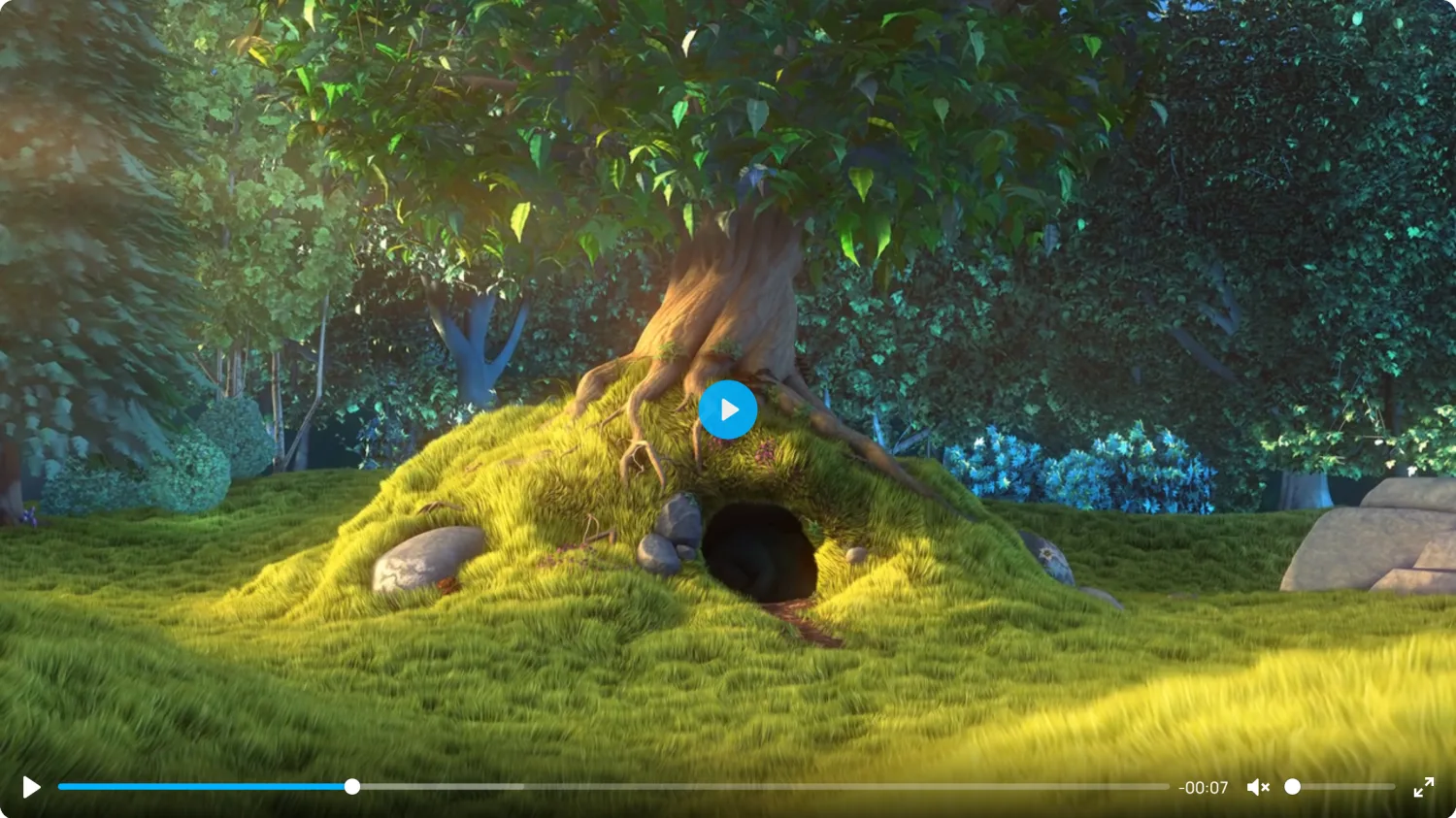
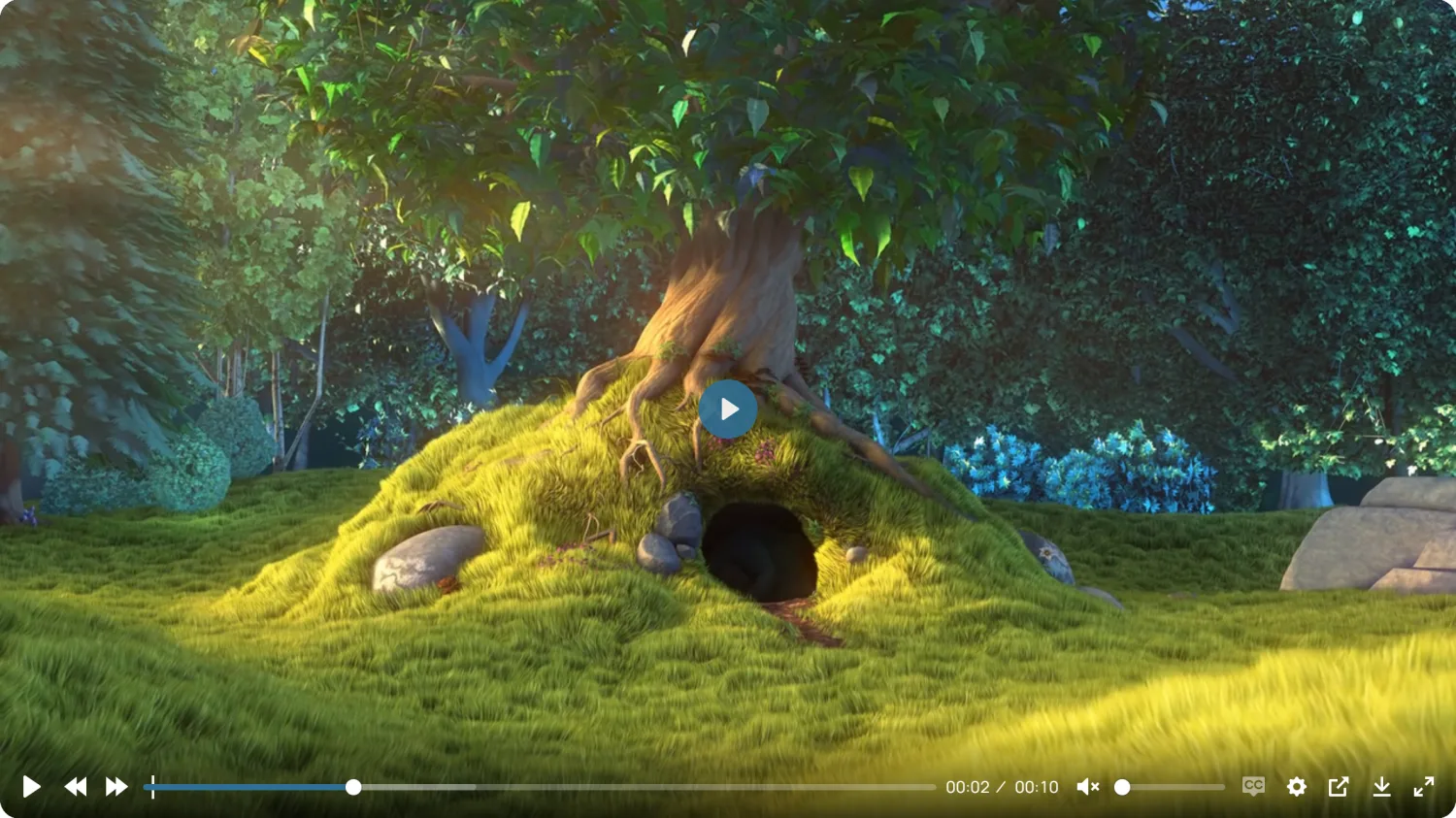
The seven controls a new player ships with. Nothing was configured to get this.
Whatyouget,andwhichtieritlivesin
Nothing below is on a roadmap. Each item is shipping in the version named on its badge.
Playback control
FreeFifteen player controls that you drag into the order you want, or drag out entirely.
- Autoplay, muted start, loop
- Playback speed, eight steps from 0.25× to 2×
- Seek step of 1–60 seconds
- Start-time offset
- Preload: metadata, auto or none
- Disable pause
Captions & access
FreeSubtitle tracks are real markup, not an overlay painted by JavaScript.
- Multi-track WebVTT with label and language code
- One track flagged as default
- Keyboard-operable control sorter in the admin
- prefers-reduced-motion respected
- Translation-ready, all strings in the POT file
Sizing & appearance
FreeSizing is resolved server-side, so the player does not jump once the video loads.
- Original ratio matches the video's real dimensions
- Fixed ratios: 16:9, 4:3, 21:9, 1:1, 9:16, custom
- Max width in pixels or per cent
- Corner radius 0–100px, with a site-wide default
- Poster image per player
- Accent colour (Pro)
Video security
ProThe password gate runs before the player is built, so there is nothing in the page to find.
- Media URL absent from the HTML until unlocked
- Access carried by an HMAC-SHA256 cookie
- Passwords hashed on save
- S3 playback through short-lived presigned URLs
Analytics
ProAggregate counters only. There is no column in the table for an IP address, because none is collected.
- Play plus 25 / 50 / 75 / 100 % milestones
- Thirty-day chart and a per-video table
- Do-Not-Track honoured before anything is sent
- Optional mirroring of events to Google Analytics
Playlists & display
ProGroup existing players into a playlist without duplicating their configuration.
- Three layouts: side list, bottom list, grid
- Autoplay, loop and shuffle
- Hero banner with scrim, heading and CTA
- Dismissible sticky corner player
- Popup lightbox
Configure,preview,publish
A player is a post. You configure it once, then drop its shortcode anywhere you want that video to appear.
Pick a source
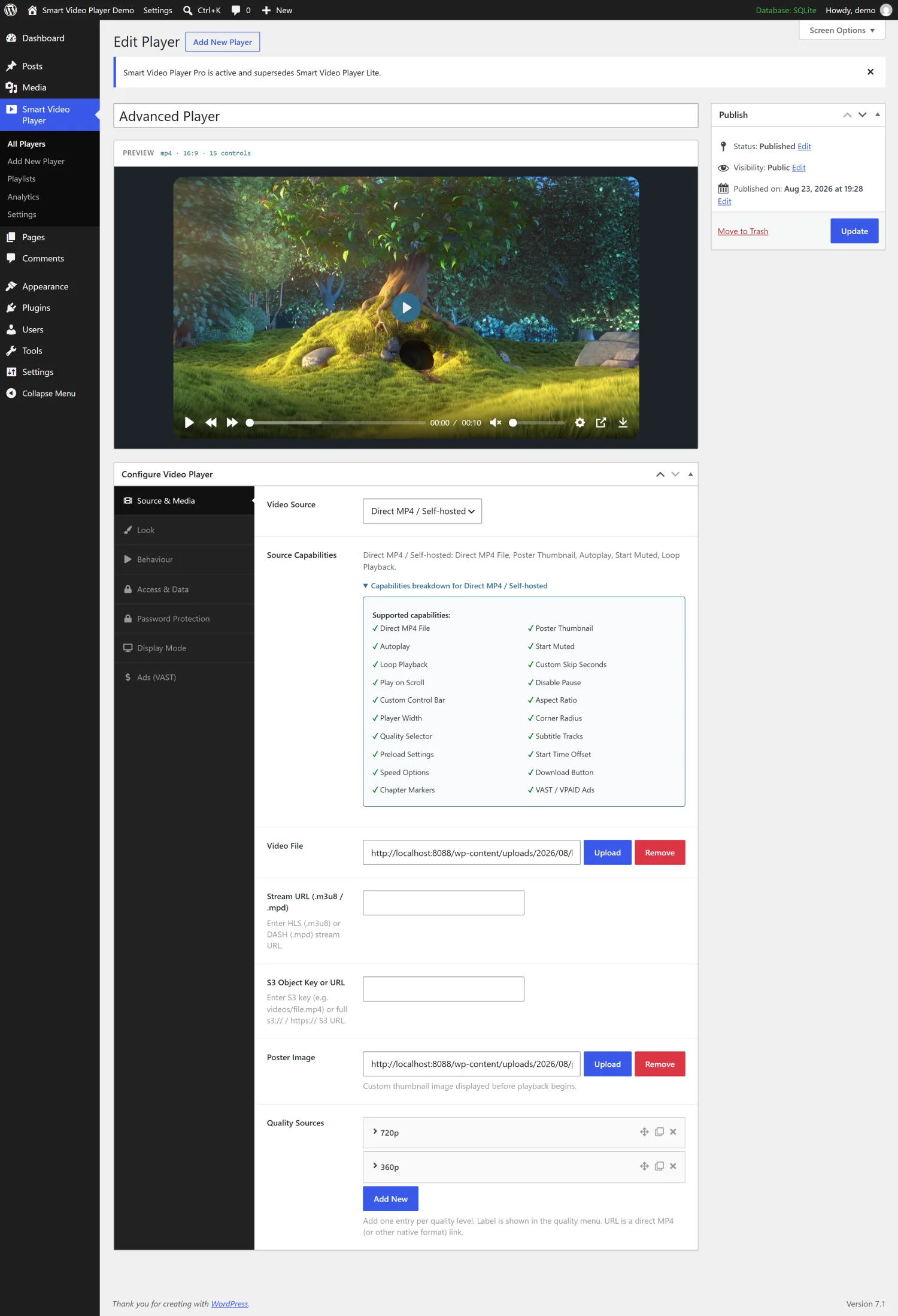
Choose one of the eight sources. The screen immediately lists what that source supports and what it does not — so you never fill in a field that will be ignored.
Shape the player
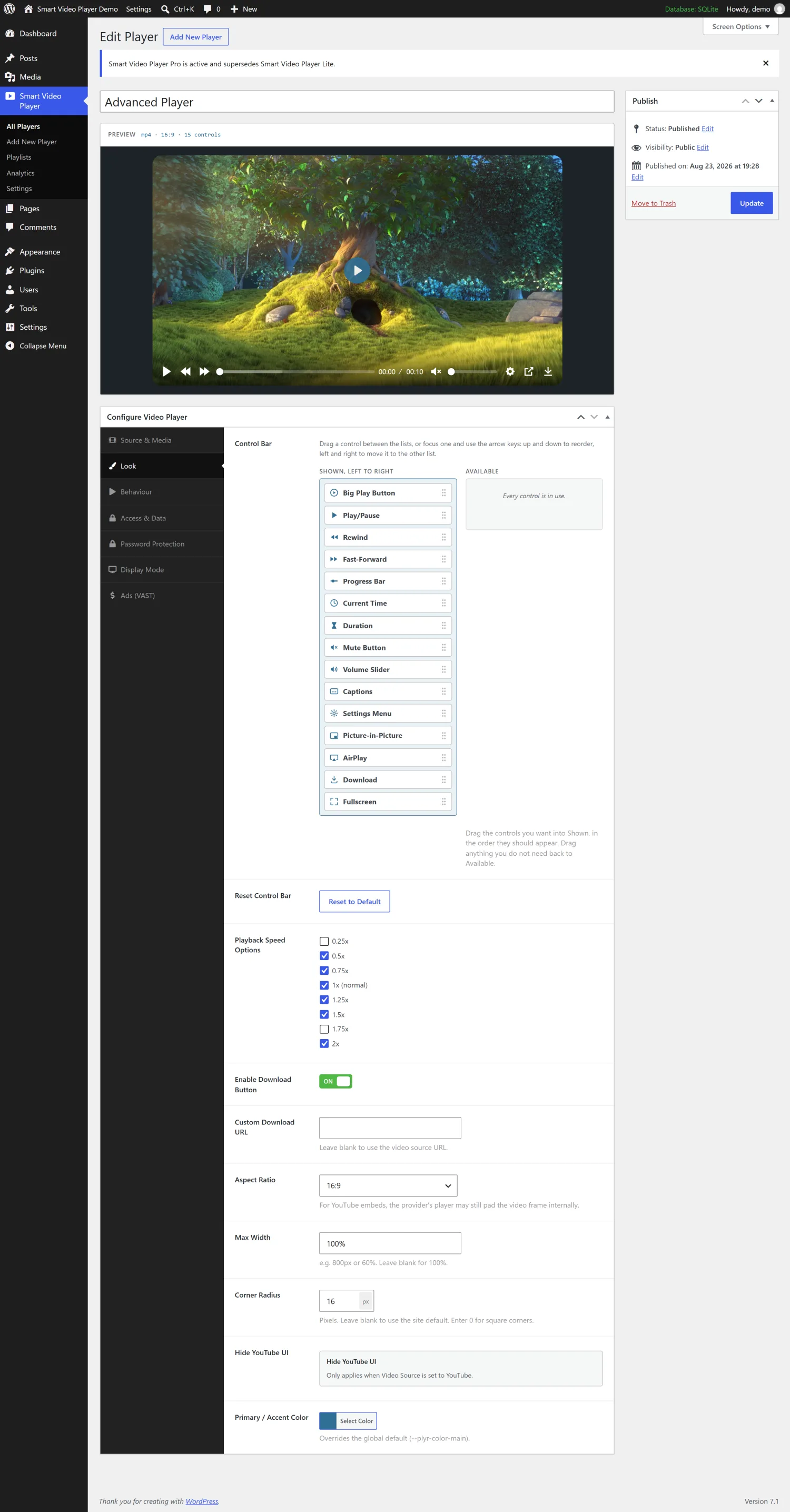
Drag controls into the order you want them, set the ratio, radius and width, add captions and quality renditions. A live preview sits above the settings and rebuilds as you go.
Publish and embed
Copy the shortcode from the players list and paste it into any post, page, template or page-builder text area — Elementor's Shortcode widget and do_shortcode() included.
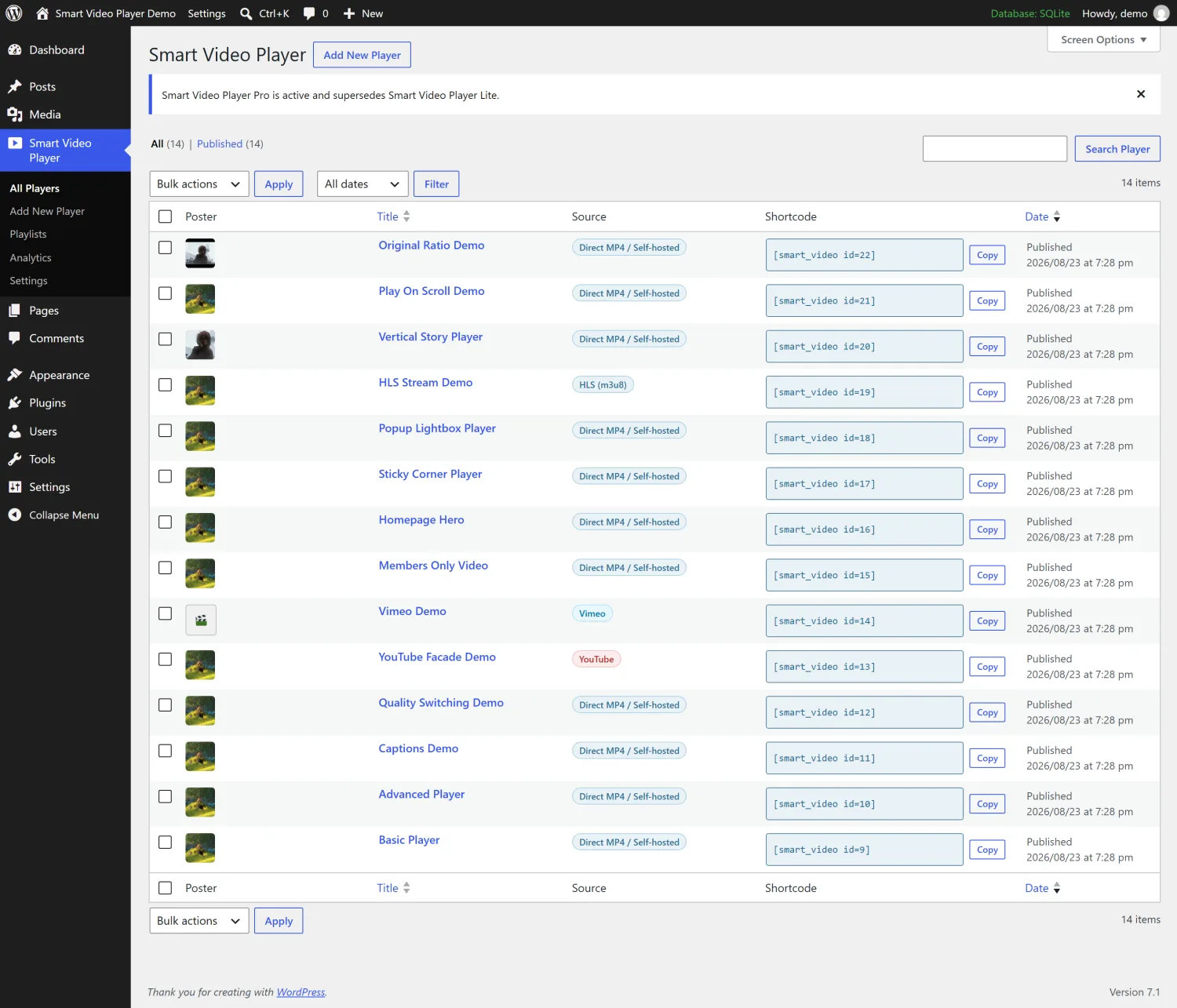
[smart_video id=10]The primary method, and the one that works everywhere — the block editor's Shortcode block, Elementor's Shortcode widget, or do_shortcode() in a theme template.
SettingsthatlooklikeWordPress,becausetheyare
No separate app, no iframe to an external dashboard. The whole plugin lives in wp-admin and speaks its visual language.
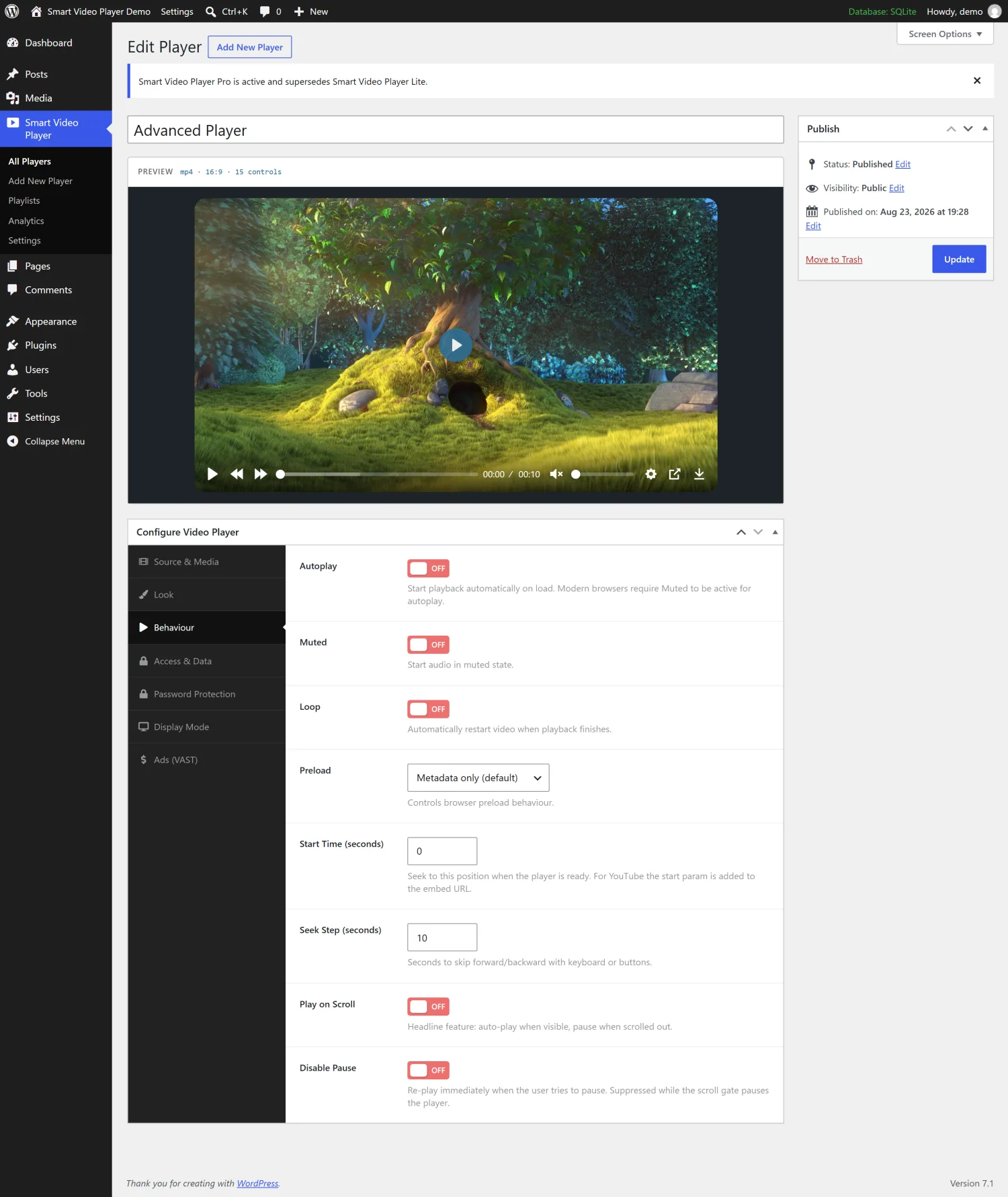
Play-on-scroll starts the video when it enters the viewport and pauses it when it leaves. The threshold slider decides how much of it has to be visible first.
Thepartsthatarehardtobuildyourself
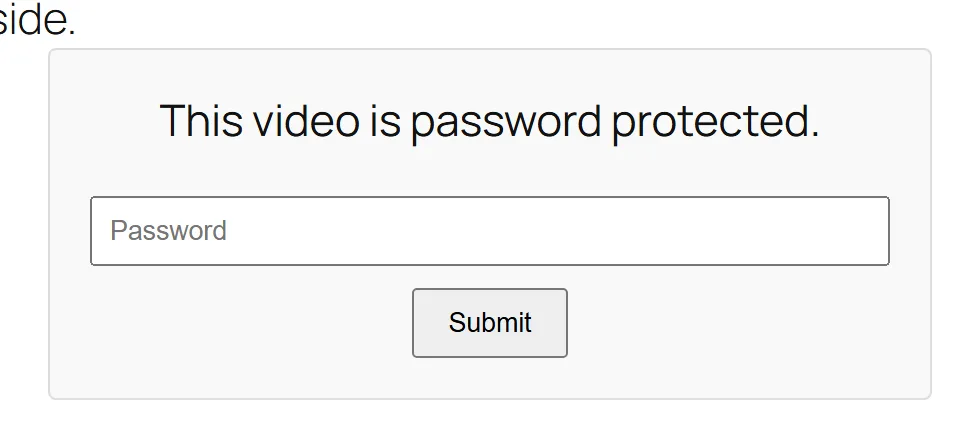
A password gate that actually withholds the video
Most protection is decoration: the video URL still sits in the page source, and anyone who opens the developer tools can copy it. SmartVP returns the gate before the player is ever built.
- On the protected demo page, searching the delivered HTML for the video filename returns nothing.
- Access is carried by an HMAC-SHA256 cookie derived from your WordPress salts.
- The password is hashed on save, never stored in the clear.
Analytics with nothing to leak
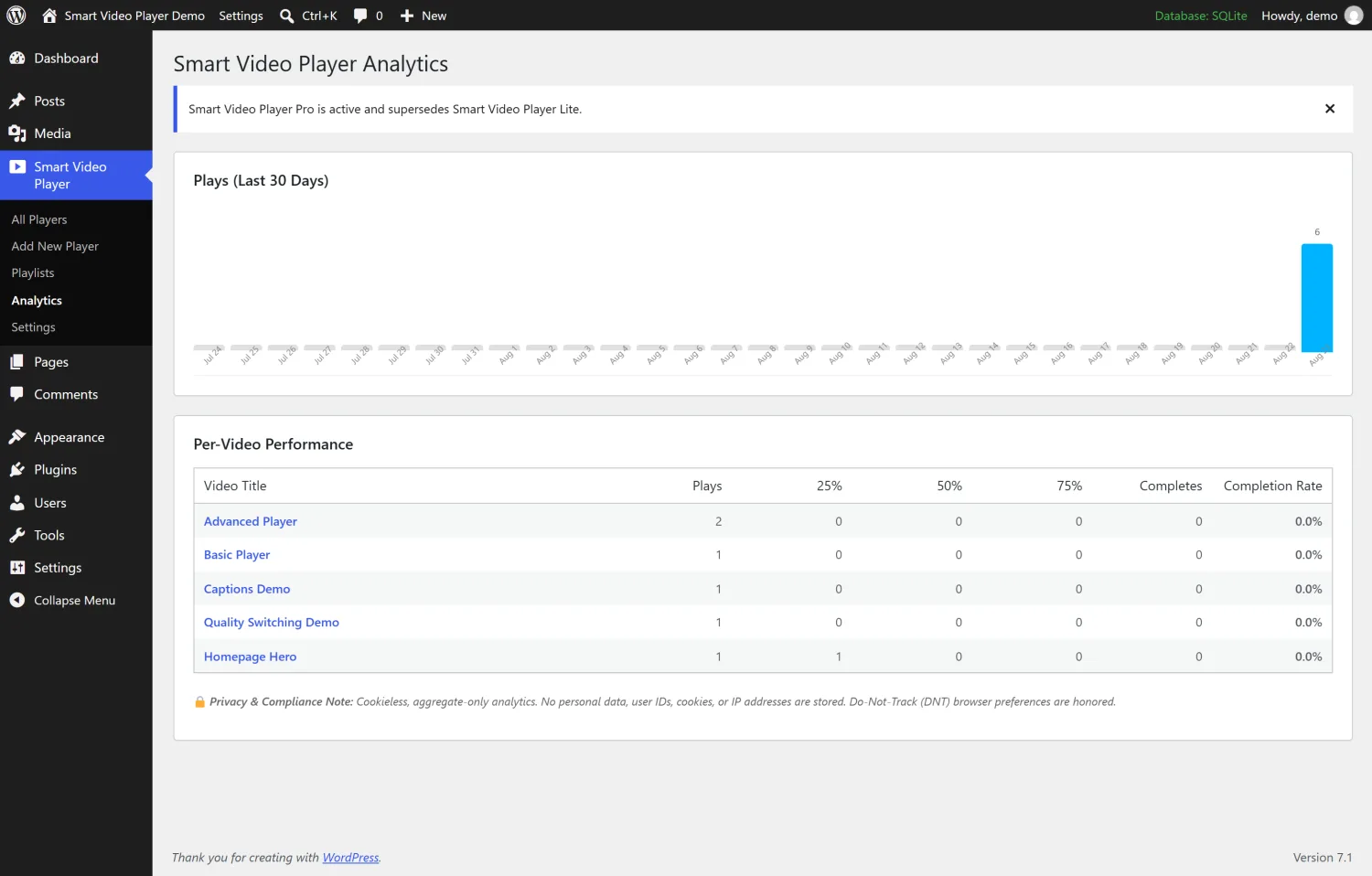
The statistics table has four columns: which video, which milestone, which day, and how many. There is no row per visitor, because there is no visitor identity to store.
- Play, 25 %, 50 %, 75 % and completion, counted per day.
- No cookies, no IP addresses, no user IDs.
- Do-Not-Track is checked before the first request is made.
- Events can be mirrored to Google Analytics if you want them there too.
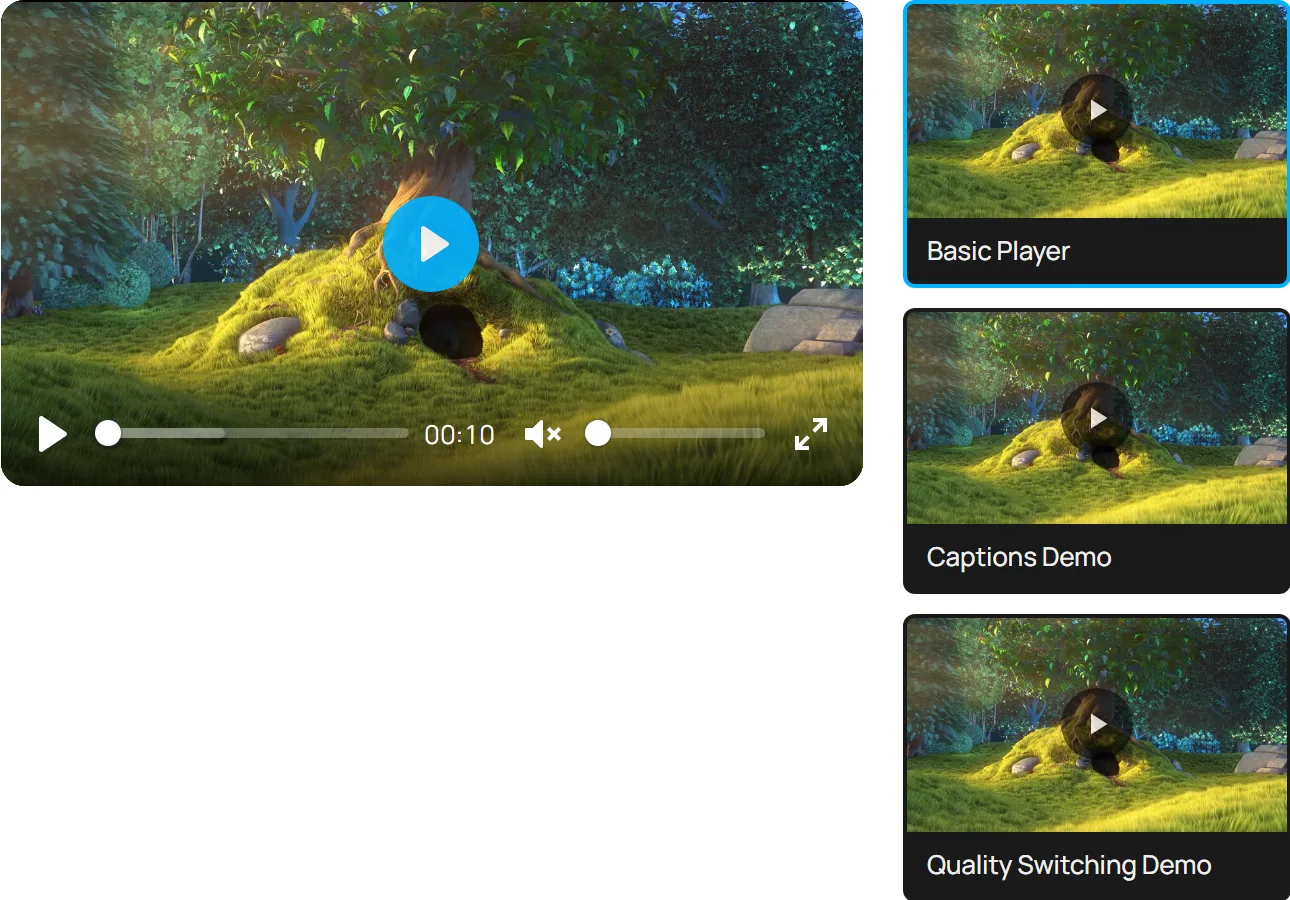
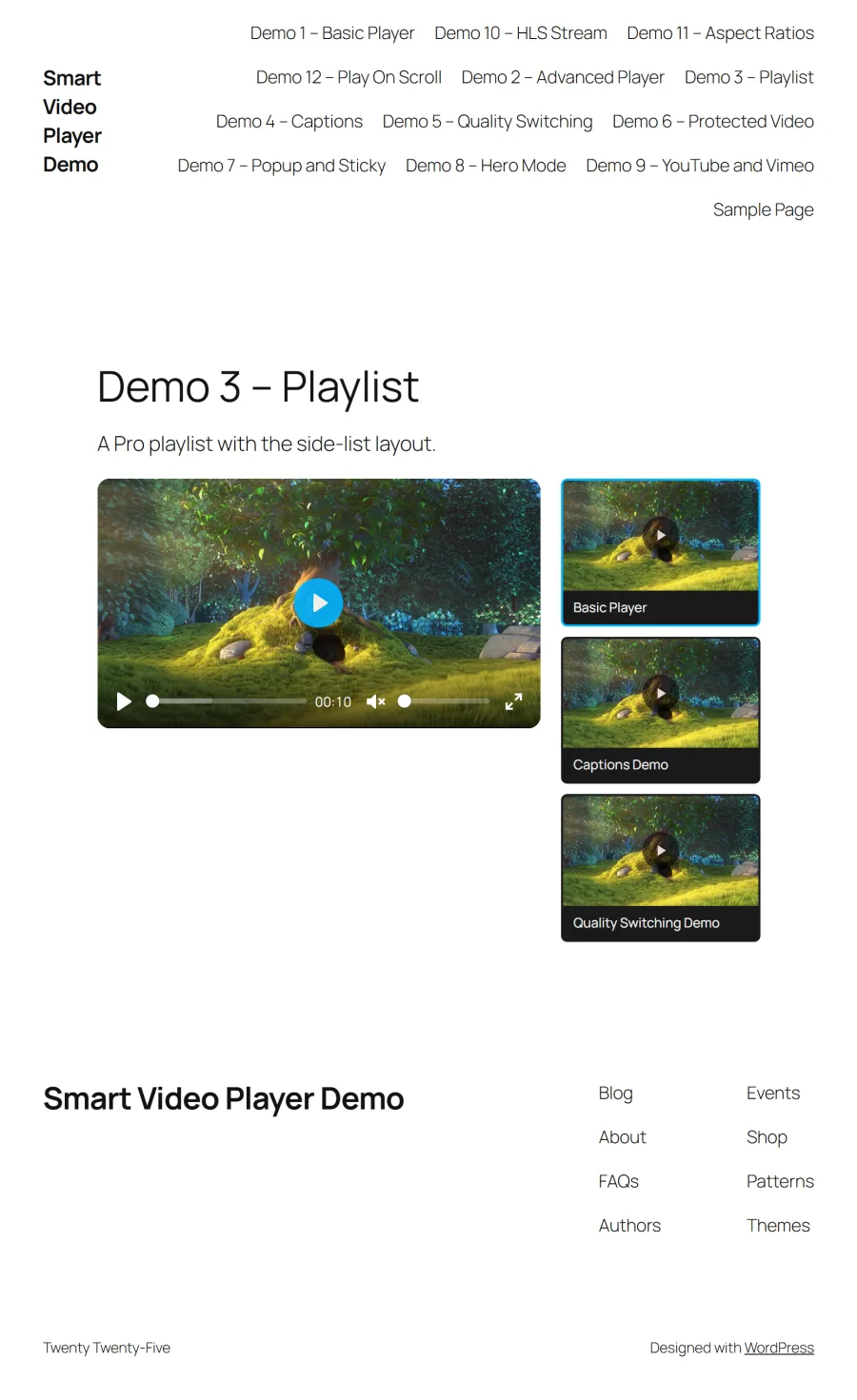
Playlists that reuse the players you already made
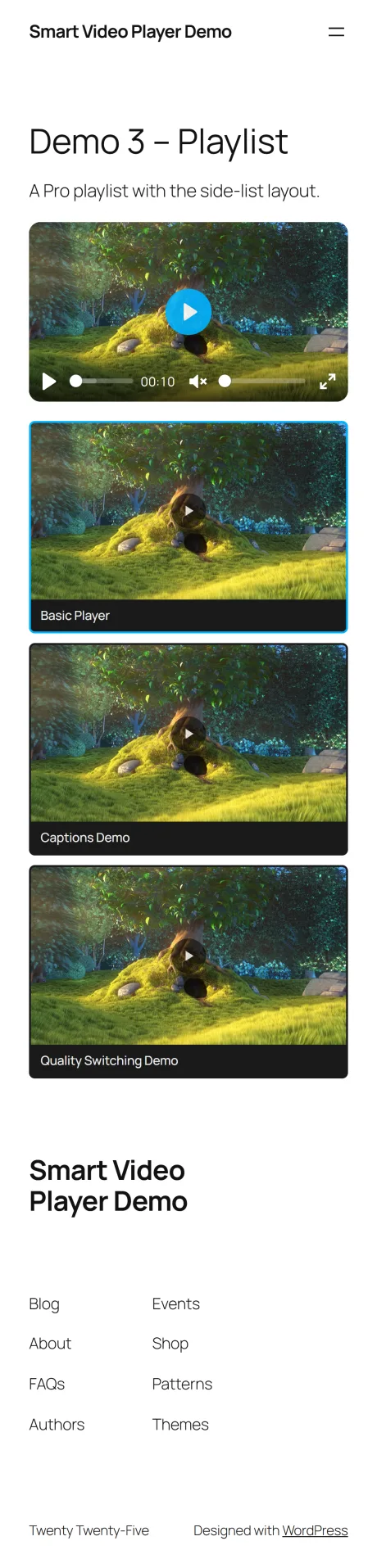
A playlist is a list of existing players, not a second place to configure the same video. Change the player once and every playlist that references it follows.
- Side list, bottom list or thumbnail grid.
- Autoplay the first item, loop the set, or shuffle.
- Its own shortcode: [smart_video_playlist id=23]
Three ways to place a video, beyond the page flow
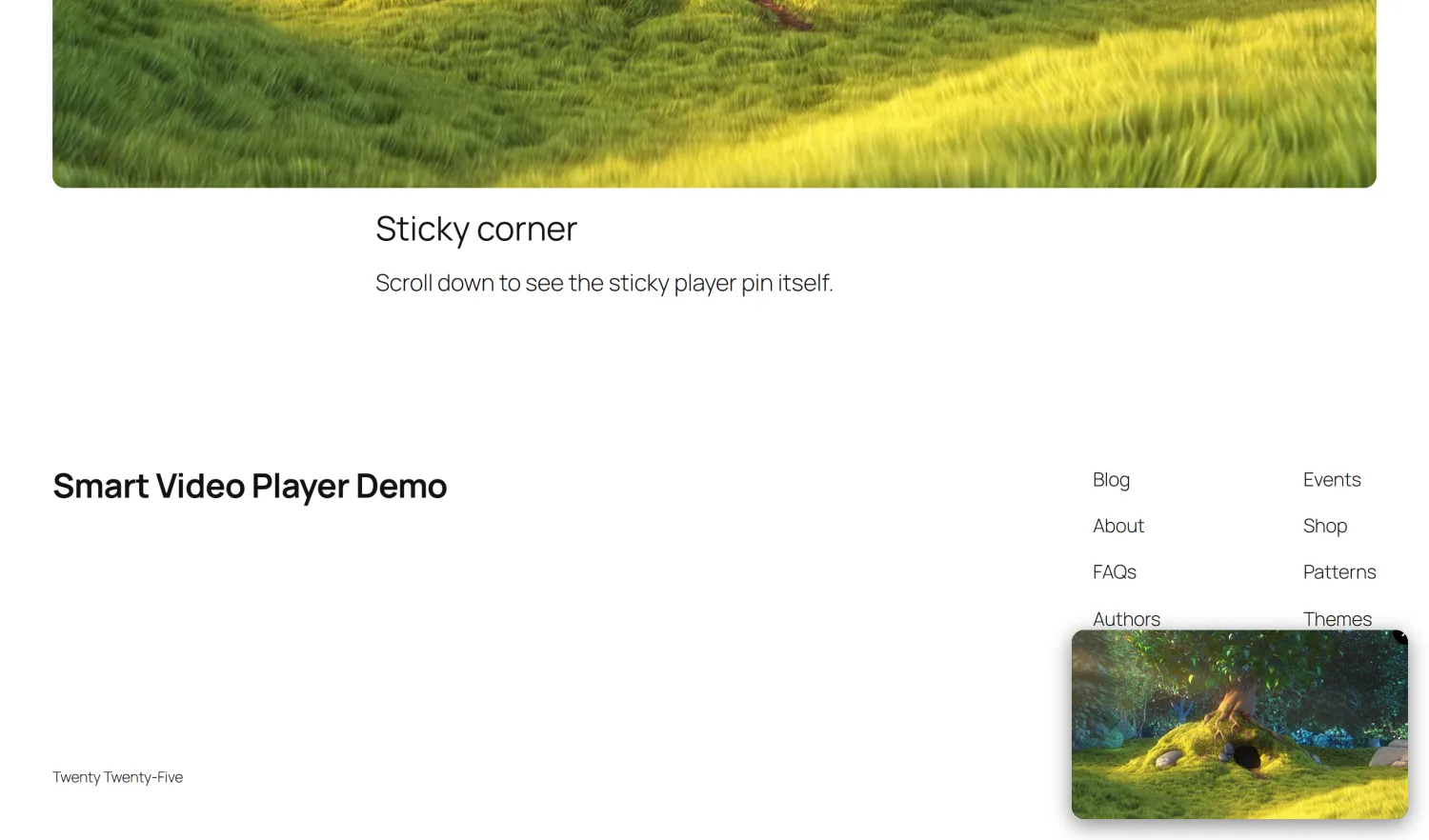
Hero, sticky and popup are separate display modes on the same player, not separate plugins.
- Hero — full-bleed banner with a scrim, heading, subheading and call to action.
- Sticky — pins to the corner when the viewer scrolls past, with a close button.
- Popup — a poster that opens the video in a modal over the page.
Sizedfromtheratio,notfromaguess
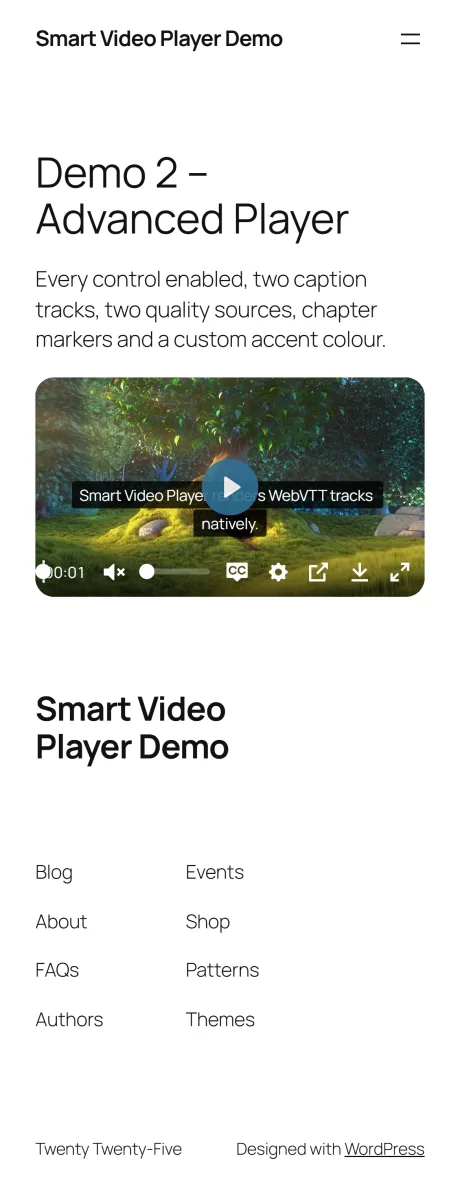
The aspect ratio is resolved before the page renders, so the player reserves its space immediately instead of collapsing and then jumping once the video's dimensions arrive.
Whattheplugindoesnotload
No benchmark numbers here, because a benchmark of someone else's site would not tell you anything. What follows is how the plugin decides what to send.
Assets load only where a player exists
Scripts and styles are registered globally but enqueued from inside the shortcode. A page with no player downloads no player CSS and no player JavaScript.
Streaming libraries load only when needed
hls.js and dash.js ship inside the Pro add-on and are enqueued only when the player being rendered is actually an HLS or DASH source.
YouTube loads nothing until clicked
A YouTube player renders as a poster and a play button. The iframe — and every request YouTube makes with it — is created when the visitor decides to watch.
Everything is served from your own domain
Plyr, hls.js and dash.js are bundled in the plugin. No CDN, no external fonts, no icon service. One exception, stated plainly: enabling VAST advertising loads Google's IMA SDK at playback time.
Scripts load in the footer
Player scripts are registered with the in-footer flag, so they do not block the first render of the page.
Sizing is computed server-side
Ratio and radius arrive as CSS custom properties on the wrapper, so the layout is stable before any JavaScript runs.
AgainstthewayWordPresshandlesvideooutofthebox
The honest comparison is with core WordPress, which is what most sites are actually using.
On comparisons with other plugins. We deliberately did not publish a feature grid against a named competitor. Those tables age badly, and the ones we could verify would be a mixture of things we do better, things they do better, and a long middle of things both products do. Where a competitor has something SmartVP lacks — a native Gutenberg block, an Elementor widget, watermarking, end screens — this page simply does not claim it.
Free on WordPress.org. Lite and Pro from $15 a year.
Plans, the full Free / Lite / Pro comparison and checkout are on the plugin's own page.
Frequentlyasked
Create a player under SmartVP Video Player → Add New Player, pick your source and configure it, then publish. The players list shows a shortcode for each one — copy it and paste it wherever you want the video, for example [smart_video id=10].
SmartVP Video Player 1.1.0 · Lite 1.1.0 · Pro 1.1.0
More Projects







99+ Happy clients